 Note
NoteTo manually set the CPP server using the CLI command, complete the following steps.
Note
If you have selected cli_auto=yes for cpp-hosts file in Server Installation, the CLI setting is already complete. You will only need to complete this step only when cli_auto=no.
Use the docker start cpp-cli command to start the container.
Enter docker exec -it cpp-cli /opt/ahnlab/cpp/bin/cppcli to access the command mode. Follow the on-screen guidelines to complete the settings.
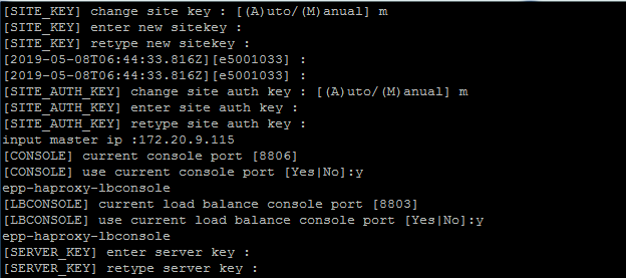
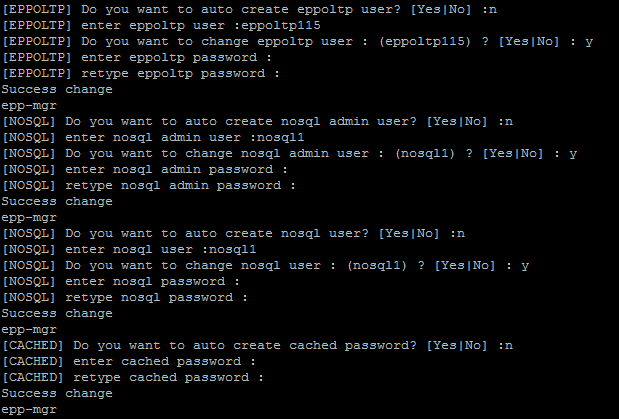
Once complete, the URL of the admin console will be displayed.
