Note
NoteUse Ansible to automatically install EPP server on multiple servers.
Note
Ansible is a tool that enables installation and deletion of multiple servers at a time. In other words, it can install 100 servers at the same time. By default, Ansible runs the same task in 5 hosts in parallel, but the file transfer and command execution speed is slow.
To use Ansible to install EPP server on multiple servers:
File |
Description |
ansible |
Ansible files |
epp-hosts |
Installation Host machine informaton file |
epp_external_installer-1.0.2.1-67.x86_64.rpm |
Contains additional OS package, Docker binary and Open Source package. (* When CentOS Linux Minimal version is installed on the Host machine, minimal OS package must be installed) |
epp_installer-1.0.2.1-67.x86_64.rpm |
EPP Server Installation file (contains Docker image, container and other scripts) |
| [eppserver]
192.168.100.1 ansible_user=root ansible_ssh_pass="qwe123" 192.168.100.2 ansible_user=root ansible_ssh_pass="qwe123" 192.168.100.3 ansible_user=root ansible_ssh_pass="qwe123" [all:vars] ansible_port=22 // Modify if ssh port number is not 22. epp_space=/opt // Modify when permanent data storage path is different. (* Usually not modified.) tmp_dir=/opt/tmp // Do not modify. os_type=centos // Modify if the OS is Ubuntu and not CentOS. (* Usually not modified.) cli_auto=no // Change to no if cli is not set automatically. # When installing, enter cli_auto=no, and manually set cli after installation by connecting to all the servers. |
 Warning
If installation/update/deletion is completed using Ansible, the account information in plaintext in epp-hosts must be deleted.
Process |
Description |
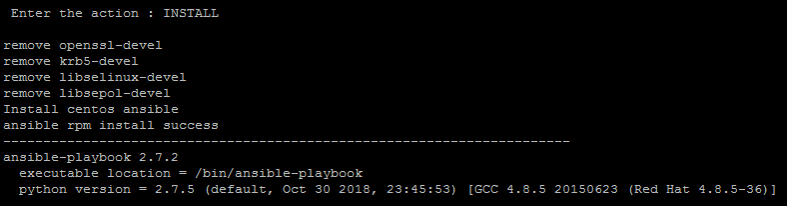
INSTALL |
Install the EPP server. * The installation will be terminated when already installed on one of the servers. Use the REMOVE menu to remove the EPP server and INSTALL again. (Installation condition: Installation is terminated when EPP rpm version is already installed, or /opt/space path exists.) |
UPDATE |
Update the EPP server. |
REMOVE |
Remove the EPP server. (Server to remove: All EPP rpm and EPP docker versions, including EPP 1.0.1.) |
Log in to the server to manually change the time Change the current date date -s 2019-04-08 Change the current time date -s 15:25:46 # After changing the time, you must record it on the system as well. /usr/sbin/hwclock -wu |
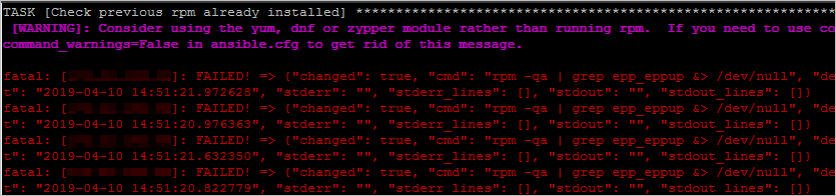
8-1) The EPP server is already installed, so installation cannot proceed: Remove it and install it again.
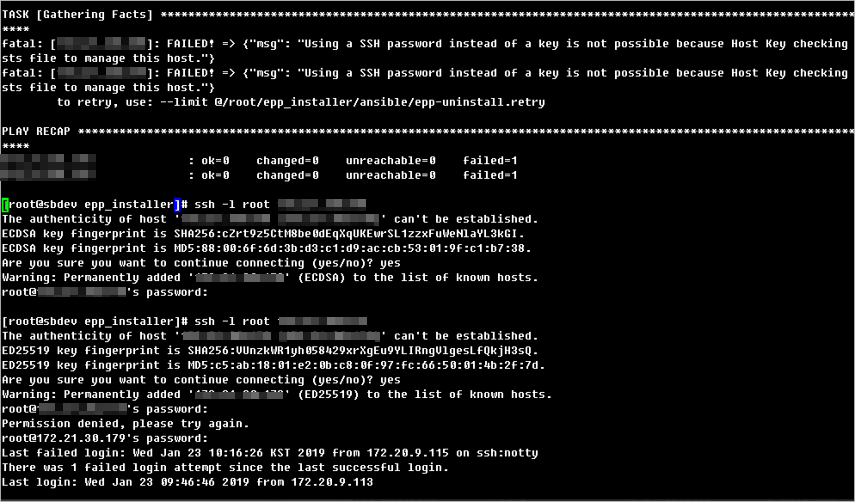
8-2) ssh key does not exist: There is no ssh key for servers that have not logged in to ssh, so log in to ssh first.
|

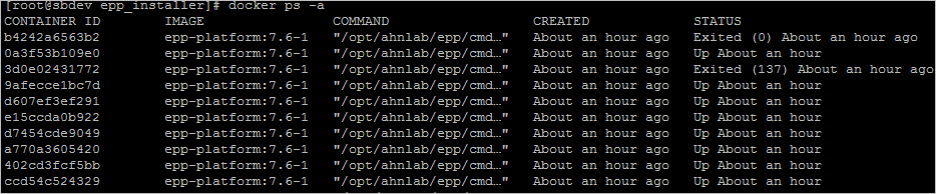

Log |
Host Machine |
Container |
install log |
/opt/tmp/epp_install |
- |
update log |
/opt/ahnfs/tmp/epp_install |
/tmp/epp_install |
management log |
/opt/ahnfs/opt/ahnlab/epp/log |
/opt/ahnlab/epp/log |